
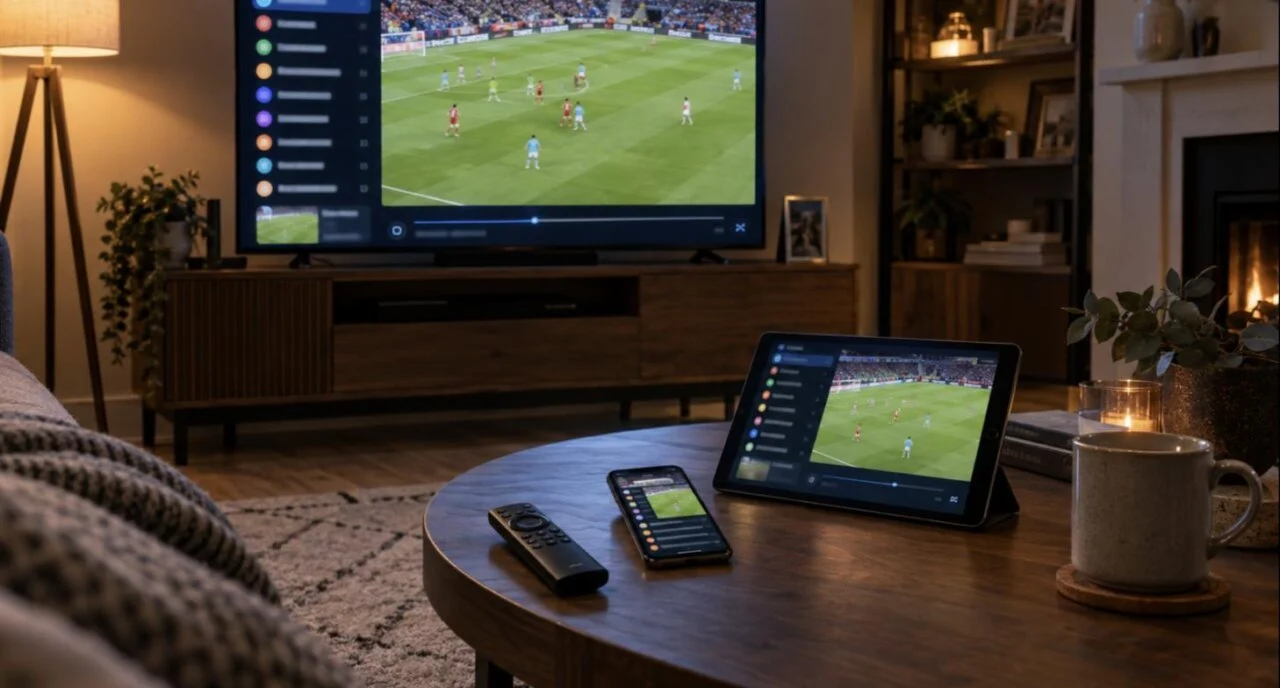
An IPTV player is the app that turns your subscription’s login into channels on the screen — the provider supplies the streams, the IPTV player shows the guide and plays them. The right choice depends on the device: TiviMate is the best IPTV player on a Firestick or Android box, IBO Player Pro is the practical choice on Samsung and LG Smart TVs, and IPTV Smarters Pro is the free, works-everywhere option, including iPhone and Windows. This guide compares the eight IPTV apps we set up most often for Canadian customers, by device, price and login method, so you can pick one in two minutes.
Key facts
- Best overall on Firestick / Android TV: TiviMate (free; Premium for catch-up and recording)
- Best on Samsung / LG Smart TVs: IBO Player Pro (one-off activation), with Smart IPTV as the long-standing alternative
- Best free, all-platform IPTV player: IPTV Smarters Pro (Android, iOS, Windows, Mac)
- Login methods: Xtream Codes (server URL, username, password) or an M3U link — every app below accepts at least one
- What none of them include: channels. You need a subscription from a provider; all eight work with a IPTV Canada login
- Safety rule: install only from the device’s app store or the developer’s own website
IPTV app vs IPTV provider: what is the difference?
This is the question behind most support tickets. An IPTV provider (such as IPTV Canada) runs the servers and gives you a login. An IPTV app — also called an IPTV player — is software on your TV, stick or phone that takes that login and displays channels, a program guide (EPG), catch-up and video on demand. The apps are made by independent developers and contain no content; the same login works in any of them. That is why you can switch from IPTV Smarters to TiviMate without asking your provider, and why “the app stopped working” and “the subscription stopped working” are two different problems with two different fixes. If you want the bigger picture first, our IPTV streaming guide explains how the whole chain works and how much broadband speed each quality level needs.
The 8 best IPTV apps compared (2026)
Ranked by how often they are the right answer for a Canadian household, not by download count. Prices change and are usually charged in USD by the developers; check the developer’s site for the current figure.
| IPTV player | Devices | Price | Login | Best for |
|---|---|---|---|---|
| TiviMate | Firestick, Android TV, Shield, Google TV | Free; Premium yearly | Xtream, M3U | The best guide and channel switching on any Android device. Setup guide |
| IPTV Smarters Pro | Android, Firestick, iOS, Apple TV, Windows, Mac | Free | Xtream, M3U | Beginners and anyone on Apple or a PC; simplest login screen |
| IBO Player Pro | Samsung, LG, Firestick, Android, iOS | Trial, then one-off activation | MAC + key on website, M3U or Xtream | Samsung and LG Smart TVs; families managing playlists from a phone. Setup guide |
| Smart IPTV (SIPTV) | Samsung, LG, Android TV, Firestick | Small one-off activation | MAC on website, M3U | The original Smart TV IPTV app; still reliable on older TVs |
| XCIPTV | Android, Firestick | Free | Xtream, M3U | Fast, lightweight alternative to Smarters on a Firestick Lite |
| OTT Navigator | Android, Firestick | Free; Premium | Xtream, M3U | Power users who want a highly customisable guide |
| GSE Smart IPTV | iOS, Android | Free; Pro version | Xtream, M3U | iPhone and iPad viewers who want more than Smarters offers |
| VLC | Windows, Mac, Linux, Android, iOS | Free | M3U | Watching on a laptop with no setup — no guide, but it plays anything |
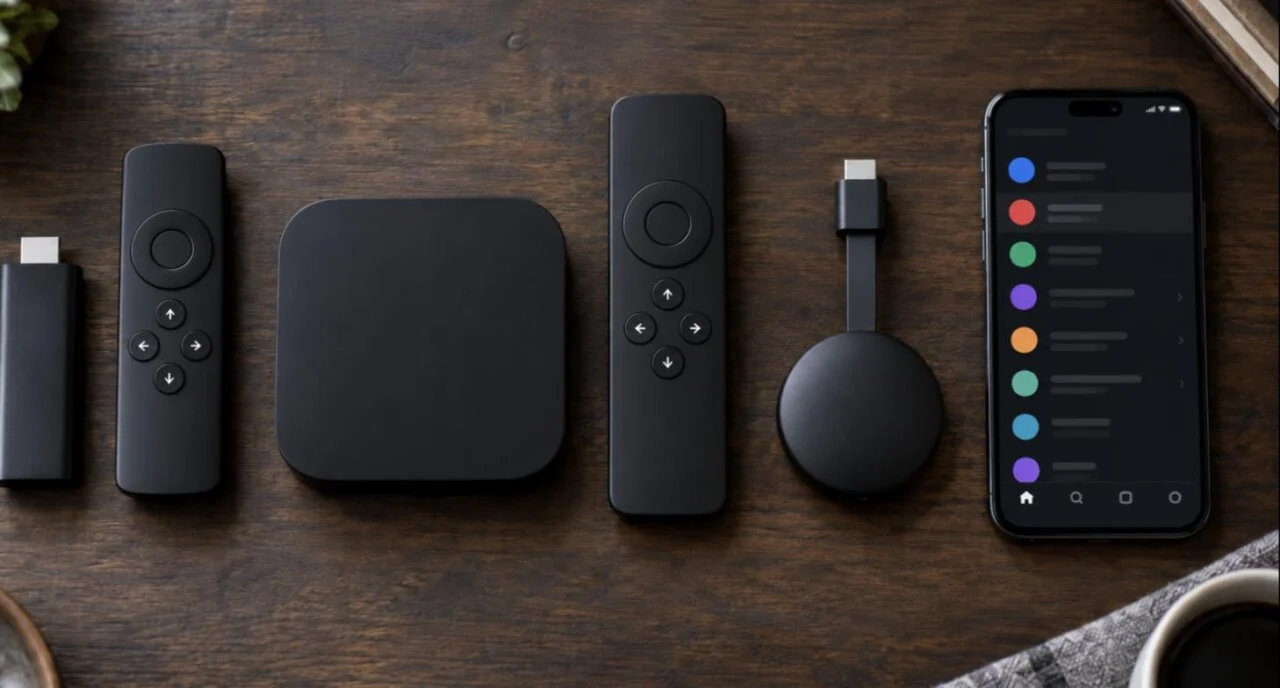
Which IPTV player is best for your device?
Amazon Firestick / Fire TV
TiviMate for the best experience, IPTV Smarters Pro if you want the simplest setup, XCIPTV on an older Fire TV Stick Lite that struggles with large channel lists. All three are installed with the Downloader app — our IPTV on Firestick guide walks through it step by step, including the settings that stop buffering.
Android TV, Nvidia Shield, Chromecast with Google TV
Same answer as the Firestick, with one advantage: TiviMate and IPTV Smarters install straight from Google Play, so there is no sideloading and updates are automatic. A Shield or a Chromecast with Google TV is the smoothest home for any IPTV player because of the extra memory.
Samsung and LG Smart TVs
These TVs cannot run Android apps, so TiviMate is out. IBO Player Pro is the app we set up most: it installs from the TV’s own store, activation is tied to the TV’s MAC address, and the playlist is managed from a phone. Smart IPTV works the same way and is a good fallback on older models. If you really want the TiviMate guide on a Samsung, a C$70 Fire TV Stick plugged into the TV is the honest solution.
iPhone, iPad and Apple TV
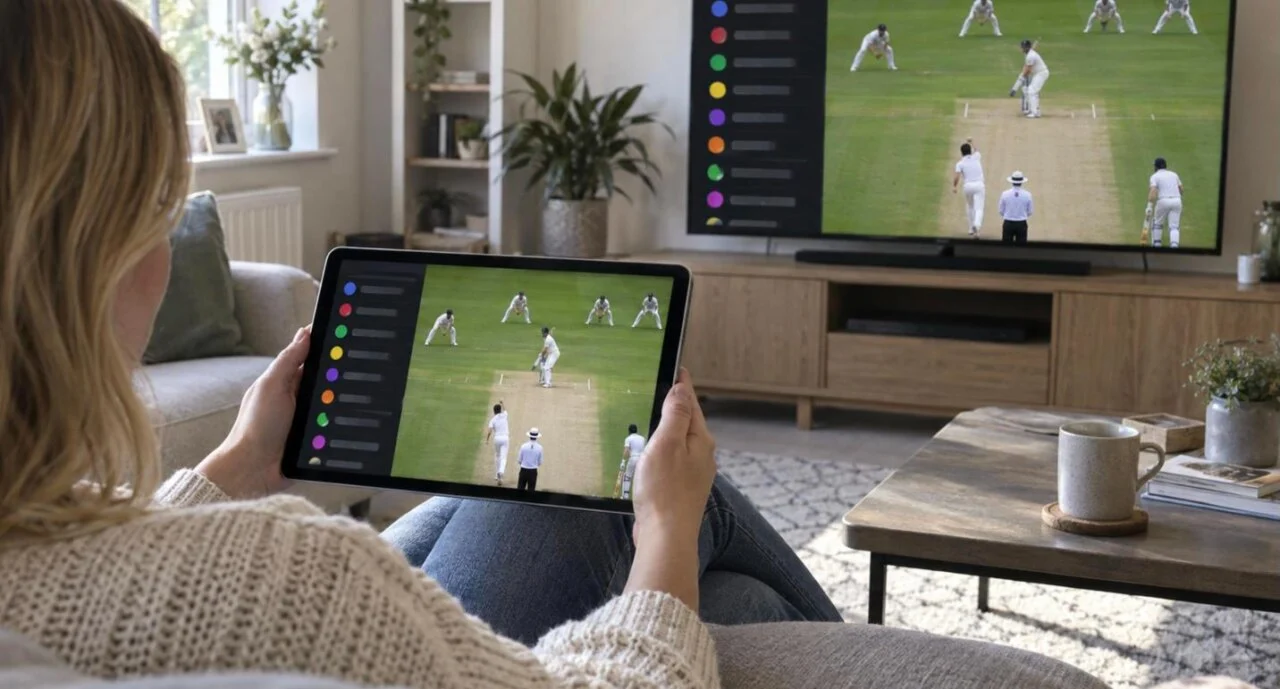
IPTV Smarters (the App Store version is often listed as Smarters Player Lite) is the default; GSE Smart IPTV adds more control over the guide and playback; IBO Player Pro is available too if you want the same app as the living-room TV. All accept Xtream Codes, and AirPlay sends the picture to a TV.
Windows and Mac
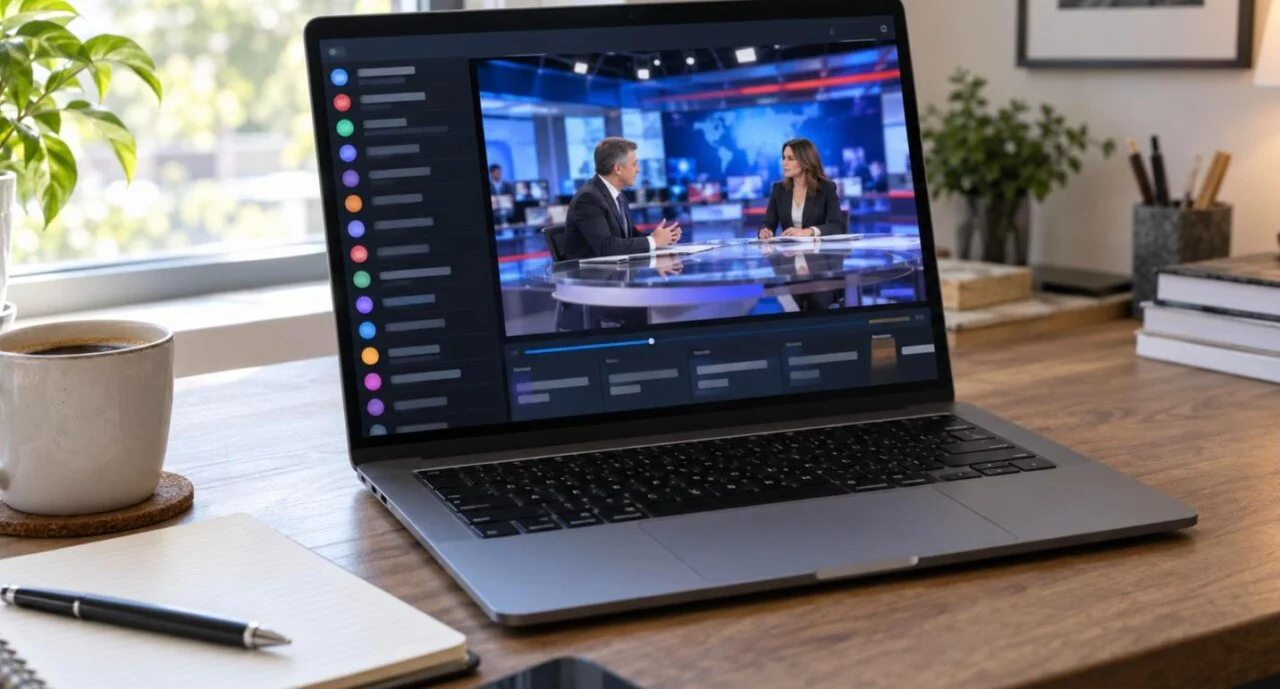
IPTV Smarters has a desktop version with a proper guide. For a quick watch with no setup, paste the M3U link into VLC (Media → Open Network Stream) — no EPG, but it plays immediately.
MAG, Formuler and Enigma2 boxes
These use their built-in portal rather than an app. Your provider gives you a portal URL for the box’s MAC address; IPTV Canada support sends it on request and it takes one minute to enter.
What should you look for in an IPTV player?
- Xtream Codes support. Logging in with a server URL, username and password is quicker than pasting an M3U link and brings the EPG and VOD categories with it. Every app in the table except VLC supports it.
- A real program guide. A grid that shows now-and-next for every channel, with logos, is what makes IPTV feel like a proper cable box. TiviMate and OTT Navigator lead here; Smarters and IBO are adequate.
- Catch-up and VOD browsing. Playing yesterday’s program from the guide, and a film library sorted by genre, depend on both the provider and the app supporting them.
- Decoder options. The ability to switch between hardware and software decoding fixes most black-screen and stutter problems on cheaper sticks.
- Group management and favourites. Hiding the 40 countries you never watch is the single biggest usability improvement on a 30,000-channel playlist.
- Parental control. A PIN on adult groups is standard in every app above; check it before handing the remote to children.
- Multiple profiles or playlists if more than one household member has their own plan.
How do you install IPTV apps safely?
The apps themselves are ordinary media players; the risk is where you download them from. Modified copies of TiviMate, Smarters and IBO Player circulate on forums and Telegram with “premium unlocked” — those are the versions that come with adware, stolen logins and broken updates. Three rules keep you clear of that:
- Use the device’s store first — Google Play, the App Store, Samsung Apps, the LG Content Store or the Amazon Appstore.
- If you must sideload (Firestick), use only the developer’s own website: tivimate.com for TiviMate, iboproapp.com for IBO Player Pro, the official Smarters site for IPTV Smarters. Never a link from a comment or a message.
- Pay for premium through the app or its companion app, never through a third party offering “lifetime premium” for a few pounds.
Your provider matters as much as the app: a legitimate business with a published address, CAD pricing, published terms and a refund policy is the other half of a safe setup. Our guide to choosing IPTV from Canada has the checklist.
Try any of these IPTV apps with a real playlist — 24 hours for C$1.99
Every channel, 4K VOD, catch-up and live sports. One IPTV Canada login works in TiviMate, IPTV Smarters, IBO Player Pro and the rest — and we help you set up whichever you choose. Payment instructions (Interac e-Transfer, PayPal or card) arrive by email in 5 minutes to 3 hours; activation usually takes about 5 minutes once paid.
IPTV apps and players: FAQ
What is the best IPTV player in 2026?
On a Firestick or Android TV box, TiviMate. On Samsung and LG Smart TVs, IBO Player Pro. On iPhone, Apple TV, Windows or Mac, IPTV Smarters Pro. They all work with the same subscription login.
Is an IPTV player the same as an IPTV subscription?
No. The IPTV player is the app that displays and plays channels; the subscription from a provider supplies the channels and your login. You need both, and any app on this list works with a IPTV Canada subscription.
Which IPTV app is free?
IPTV Smarters Pro, XCIPTV and VLC are free. TiviMate and OTT Navigator are free with paid Premium tiers. IBO Player Pro and Smart IPTV charge a small one-off activation per TV after a trial.
What is the best IPTV app for a Samsung Smart TV?
IBO Player Pro, installed from the Samsung Apps store and activated with the TV’s MAC address. Smart IPTV is the long-standing alternative. TiviMate is not available on Samsung or LG TVs.
Can I use the same IPTV login in two apps?
Yes. The login belongs to your subscription, not the app, so you can have TiviMate on the living-room Firestick and IPTV Smarters on your phone. Streaming on both at the same time needs a plan with two connections.
Why does my IPTV app buffer?
Usually the device or Wi-Fi rather than the app: switch to 5 GHz, clear the app cache, change the decoder setting and restart. If one channel buffers only at peak time, tell your provider which channel.
Are IPTV apps legal in Canada?
The apps are legal media players available in mainstream app stores. What matters is the service you log into and whether it has the right to distribute the content it streams — choose a provider that is a real business with a published address, CAD pricing, published terms and a refund policy.

Get the next IPTV guide by email
New setup guides, app comparisons and buffering fixes for Canadian viewers – about two emails a month, no spam, unsubscribe in one click.